
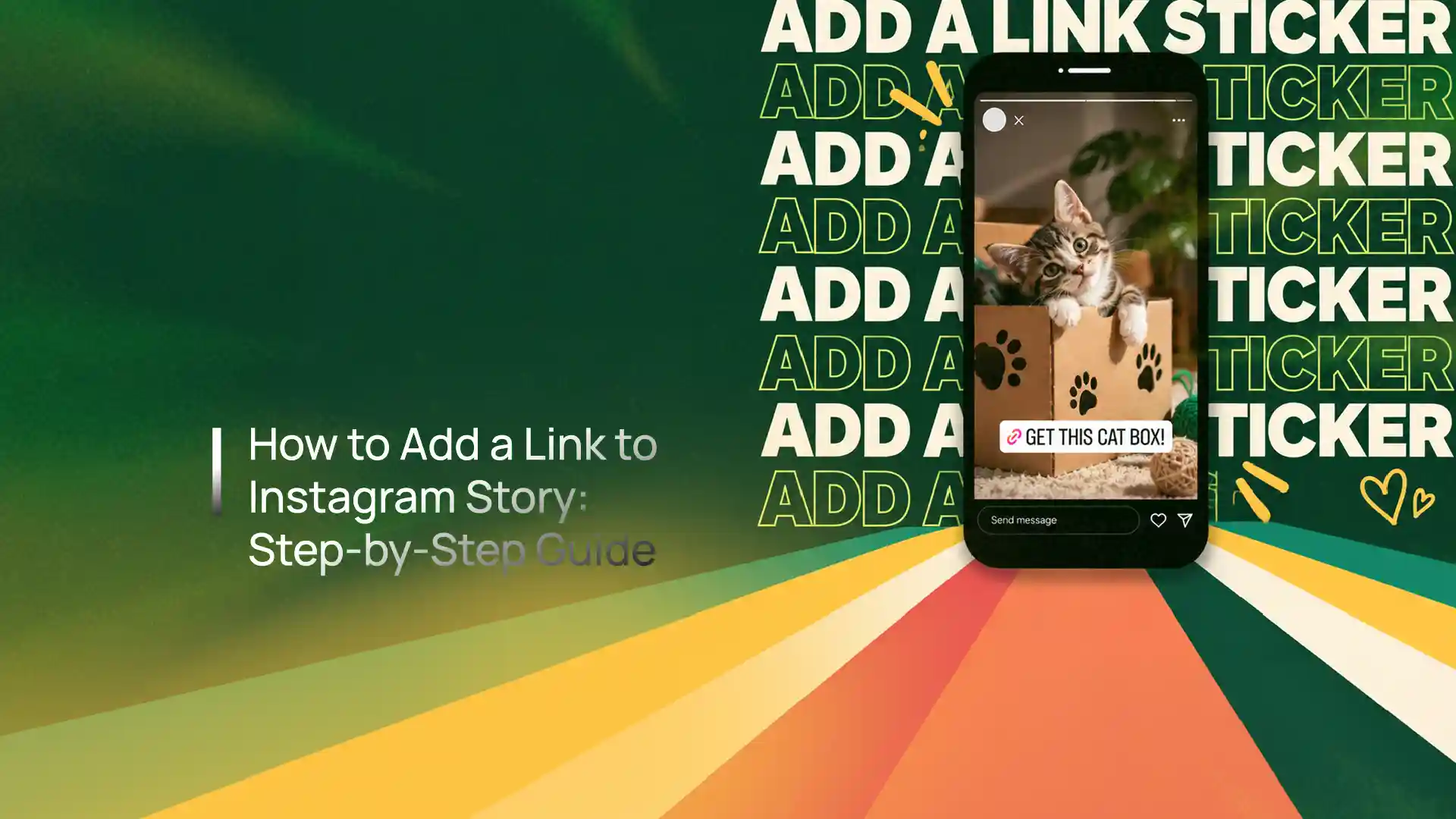

How to add a link to Instagram Story is simple: create or upload your Story, open the sticker tray, select the Link sticker, paste your URL, customise the sticker text, and publish. The link becomes tappable for viewers, turning Stories into a useful way to drive traffic to websites, landing pages, blogs, products and campaigns.
Stories remain a valuable traffic channel, especially for time-sensitive content and promotions. More than 500 million accounts reportedly use the format daily, while Meta’s advertising tools indicated Instagram had 481 million users in India in late 2025. But a link on its own doesn’t create results — the real skill is giving people a reason to tap and sending them somewhere that converts.
This step-by-step guide covers exactly how to add the link, who can use it, how to earn more clicks, how to troubleshoot, and how to track performance.

01
Here’s how to add a link to Instagram Story — the same steps show how to add link in Instagram Story on any account — in six quick moves:
- 1. Create a Story — open the app and swipe right, or tap + and select Story; take a photo/video, upload content, or make a text Story. Give viewers a clear reason to tap.
- 2. Tap the sticker icon — at the top of the screen, then choose the Link option from polls, questions, quizzes, mentions, location, countdown and more.
- 3. Add URL to Instagram Story — paste the destination URL: a website page, blog article, product page, landing page, event registration, lead form or campaign page. Confirm it’s mobile-friendly.
- 4. Customise the sticker text — use action wording like “Read the full guide”, “Get your free quote”, “Shop the collection” or “Book your consultation” instead of a bare URL.
- 5. Position it strategically — visible, but not over faces, product details or essential text, with breathing room around it.
- 6. Publish — tap Your Story. It stays live ~24 hours unless you save it to a Highlight.

02
Yes. The Instagram link sticker replaced the old Swipe Up feature (the link sticker Instagram rolled out for everyone), and the previous follower threshold is no longer the standard requirement for adding links. Current guides describe the Link sticker as broadly available across account types, though availability can occasionally vary due to app versions, account restrictions or platform-level changes. This is particularly useful for small businesses and creators — the Swipe Up feature was strongly associated with larger accounts, whereas the sticker made it far easier for smaller accounts to direct audiences toward external content.
03
The Instagram Story link sticker is the relevant feature for current strategies:
| Feature | Link Sticker | Old Swipe Up |
|---|---|---|
| How users interact | Tap the sticker | Swipe upward |
| Visual customisation | More flexible | Limited |
| Availability | Broadly available | Previously restricted |
| CTA visibility | Visible within the Frame | Less visually integrated |
| Best use | Traffic & conversion campaigns | Legacy feature |
04
An Instagram Story link for business can move followers from social media to a business-owned digital property — a new blog post, service page, product launch, webinar registration, contact page or limited-time offer.
This matters because social reach alone doesn’t necessarily create business results; a well-structured It funnel guides users toward a measurable action. The format also works particularly well with time-sensitive content, since its temporary nature can create urgency around launches, offers, events and announcements. With more than 500 million people estimated to use Stories daily, it remains an important format despite the continued growth of Reels, a format Meta for Business continues to invest in — and it works best connected to a broader social media marketing strategy.
05
Adding the link is only step one — anyone can add clickable link Instagram Story content, but the bigger challenge is giving people a reason to tap. Four levers do most of the work:
Start With a Hook
The first frame should spark curiosity — “We found the biggest mistake businesses make with their website…” beats “Click here to read our blog.”
Explain the Benefit
Say what viewers gain. “Get the complete 2026 checklist” communicates value; “Visit our website” doesn’t.
Use a Clear CTA
Keep it simple — “Get the complete guide”, “See the full case study”, “Download the checklist” — and match it to the destination.
Keep It Focused
Too much text makes viewers tap away before reading the CTA. Use short copy, clear visuals and a single primary action.
06
Rather than one the sticker with no context, spread the message across frames so interest builds before the tap:
| Frame | Role | What It Does |
|---|---|---|
| The post 1 | Hook | Identify a problem or create curiosity |
| Frame 2 | Problem | Explain why the issue matters |
| It 3 | Solution | Introduce your product, service, guide or resource |
| The post 4 | CTA + Link | Give viewers a clear reason to click |
Treat benchmarks as directional, but recent reporting places overall Frame completion around the 60–70% range, and interactive elements can contribute to stronger engagement.

07
There’s no universally perfect position, but visibility is essential — the sticker should feel like part of the creative rather than an afterthought. You can guide the eye with visual cues like arrows, animated elements, text pointing toward the sticker or “tap here” messaging (without overdoing it). Just avoid these placements:
- Too close to interface elements, where it’s easy to miss or mistap
- Over important text, faces or products
- In visually crowded areas that bury the CTA
- Buried under excessive stickers, effects or clutter
08
A single Instagram Story clickable link slide is generally designed around one primary destination, so plan how you add link to Instagram Story carefully. To promote several URLs, create a sequence — The post 1: blog article → Link 1; Frame 2: service page → Link 2; It 3: case study → Link 3 — which keeps the user journey simple. If you have many important destinations, create a dedicated landing page that organises the links and promote that single page through your The post instead.
09
If you can’t find the sticker, work through these fixes:
- Update the app — an outdated version can make features and stickers appear differently.
- Restart & check your connection — close the app completely and reopen it; an unstable connection can stop features loading.
- Log out and back in — this can refresh account-related settings.
- Check restrictions & try another device — account restrictions or a flagged destination URL can affect availability; another device helps isolate the cause.
10
Don’t judge performance on views alone — track metrics tied to your objective. For a traffic campaign, monitor:
- Reach & that URL taps — how many saw the Frame and how many tapped through.
- Website sessions, bounce rate & engagement — what happens after the tap.
- Conversions, leads or sales — the actual business outcome.
Add UTM parameters to your URLs — for example utm_source=instagram, utm_medium=story, utm_campaign=website_launch — so analytics can identify traffic from your It. For a complete picture, connect The post activity with website analytics, conversion tracking and click-through rate analysis via performance marketing.
11
The best Instagram Story link depends on the campaign goal — the Frame message and destination should feel like one continuous journey:
| Goal | Best Link Destinations |
|---|---|
| SEO & content | Blog posts, guides, research, case studies, downloadable resources |
| Lead generation | Contact forms, consultation pages, free-audit pages, webinar registration |
| E-commerce | Product pages, collection pages, limited-time offers, new arrivals |
| Service businesses | Service pages, portfolio pages, case studies, booking pages |
Whatever the goal, relevance is the key principle — a strong social media advertising approach and a matching mobile-ready landing page turn taps into results.
12
A URL sticker doesn’t automatically create conversions. The journey looks like this: It View → Interest → Link Tap → Landing Page → Conversion — and every stage can create drop-off, so a compelling The post can still fail if the landing page is slow or confusing.
Improve conversions with five practical moves: give one clear reason to click; use mobile-first landing pages that load quickly; match the Frame message to the destination (if it promises a “free website checklist”, the link should lead straight to it); use genuine urgency (“registration closes tonight”) carefully; and test different CTAs (“Learn more” vs “Get the guide” vs “See how it works”). For brands, the real opportunity is to treat every It the sticker as part of a larger conversion journey — which is exactly how Thinkster connects social media, digital marketing and websites into one measurable funnel, not an isolated channel.
A link sticker doesn’t create conversions on its own. Treat every Story link as one step in a larger conversion journey.
Frequently Asked Questions
Create a Frame, tap the sticker icon, select Link, paste your URL, customise the sticker text if available, and publish the It. The that URL then becomes tappable for viewers.
No. The old Swipe Up feature and its follower-related restrictions were replaced by the Link sticker, which is broadly available to Instagram users regardless of follower count.
Use one primary destination per The post slide for a clean experience. To promote several destinations, use multiple Frame frames or URL to a dedicated landing page that organises them.
Possible reasons include an outdated app, temporary technical issues, account restrictions or a problem with the destination URL. Updating the app and restarting your session are useful first steps.
Yes. Depending on your account type and available Insights, you can monitor It interactions and it activity, and UTM parameters plus website analytics provide additional tracking.
Yes. They help businesses move users from The app to blogs, landing pages, product pages, booking pages and other conversion-focused destinations, provided the The post and destination are relevant and mobile-friendly.
Turn Frame Taps Into
Real Conversions
Thinkster connects IG content to mobile-ready landing pages, clear CTAs and conversion tracking — so every It the sticker becomes a step toward leads and revenue, not just another tap.


